Transforming Your Smartphone into a Universal Remote
In the modern living room, the traditional television remote control is increasingly being supplemented—or even replaced—by the smartphone already in your pocket. While many users assume that using a phone as a TV remote requires specific hardware, the reality is more flexible. Whether your device possesses specialized infrared capabilities or relies solely on wireless connectivity, there are viable methods to control your smart television from your mobile device.
The Role of Infrared Blasters
For years, the primary method for controlling electronics via smartphone was the infrared (IR) blaster. This small component, typically located at the top of the phone, emits infrared light that mimics the signals sent by traditional remote controls. Many older Android devices and some current models still include this hardware. If your phone has an IR blaster, it can often control a wide variety of devices, including televisions, soundbars, and air conditioners, provided the TV is equipped with an IR receiver.
However, the prevalence of IR blasters has declined in recent years as manufacturers have shifted focus toward other connectivity standards. Consequently, many modern smartphones do not include this feature. This does not mean your phone is useless as a remote; it simply means you must rely on different technologies to establish a connection with your TV.
Bluetooth and Wi-Fi Connectivity
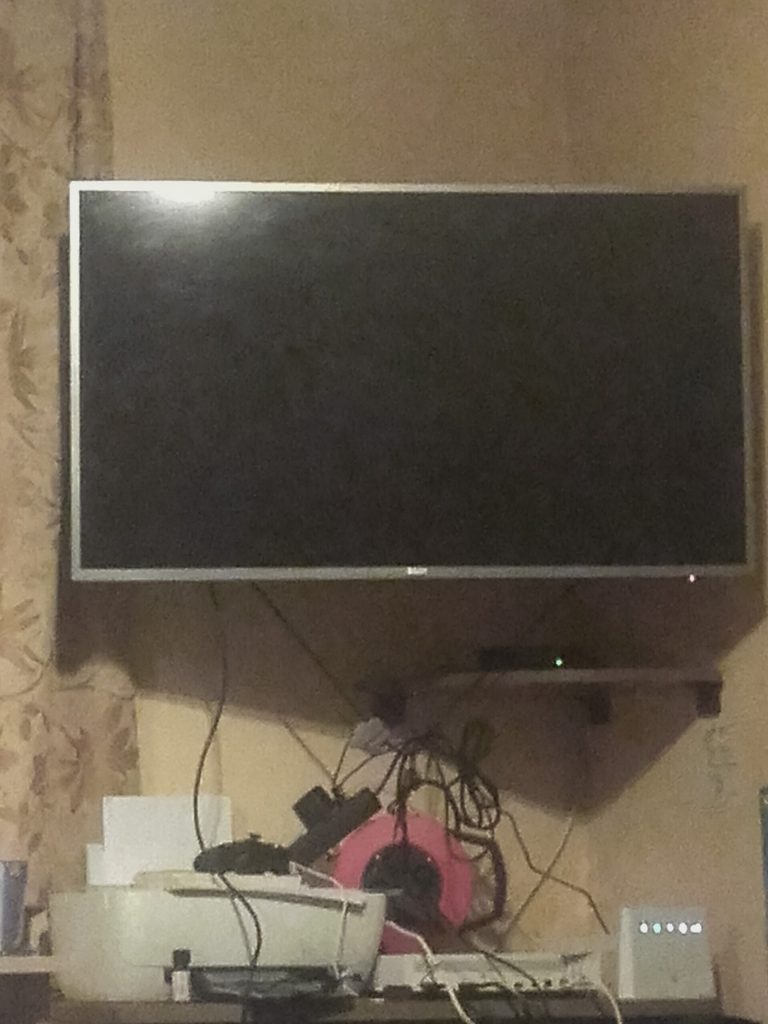
Even without an IR blaster, smartphones can function effectively as remotes for smart TVs and streaming devices. This is achieved through Bluetooth and Wi-Fi. Most modern smart TVs and popular streaming sticks or boxes are designed to connect to home networks and support Bluetooth pairing. By utilizing these wireless protocols, your phone can communicate directly with the TV or the streaming device, sending commands for navigation, volume adjustment, and playback control.
Wi-Fi is particularly useful for this purpose because it allows for a stable, high-bandwidth connection. This is essential for apps that not only send control signals but also stream content or mirror the phone’s screen to the TV. Bluetooth, while having a shorter range, is often sufficient for basic remote functions like changing channels or adjusting volume, as these commands require minimal data transfer.
Manufacturer Apps and Ecosystems
The most seamless experience often comes from using the official application provided by the TV or streaming device manufacturer. Companies such as Samsung, LG, Sony, and various streaming service providers develop dedicated apps that integrate deeply with their hardware. These apps are frequently designed to be more intuitive and feature-rich than the physical remote that comes in the box.
For example, a manufacturer’s app might offer a full QWERTY keyboard for text entry, which is cumbersome on a standard remote. It may also provide quick access to specific apps, settings menus, or diagnostic tools. Because these apps are built specifically for the hardware, they often support features that generic universal remote apps cannot, such as voice control integration or specific gesture-based navigation.
Generic Universal Remote Apps
For users with multiple devices from different manufacturers, or those who prefer a single app for all their electronics, generic universal remote applications are a popular choice. These apps typically work by creating a database of infrared codes for various brands and models. If your phone has an IR blaster, these apps can often identify the correct code for your TV through a setup process where you test different codes until the TV responds.
For devices without IR blasters, these apps may still offer limited functionality if the TV supports Wi-Fi or Bluetooth discovery. However, the experience may not be as robust as using the manufacturer’s official app. Users should be aware that the availability of features can vary significantly depending on the specific app and the compatibility of their hardware.
Practical Considerations and Limitations
While using a phone as a remote offers convenience, there are practical considerations to keep in mind. First, battery life is a factor. Keeping a phone connected via Bluetooth or Wi-Fi for extended periods can drain the battery faster than normal use. Second, latency can be an issue, particularly with Bluetooth connections. For fast-paced gaming or precise timing in sports broadcasts, a slight delay in command execution might be noticeable, though this is rarely a problem for general navigation and media playback.
Additionally, the physical size of a smartphone makes it less convenient for quick, one-handed adjustments compared to a compact remote control. Many users find that they use their phone for complex tasks, such as searching for specific content or adjusting detailed settings, while reserving the physical remote for simple, frequent actions like changing the channel or adjusting the volume.
Setting Up Your Phone as a Remote
To begin using your phone as a remote, start by checking your phone’s specifications to determine if it has an IR blaster. If it does, download a universal remote app and follow the setup instructions to pair it with your TV. If your phone lacks an IR blaster, ensure that both your phone and your TV are connected to the same Wi-Fi network. Then, download the official app for your TV or streaming device. Follow the on-screen instructions to pair the devices, which may involve entering a code displayed on the TV screen or scanning a QR code.
Once paired, test the various functions to ensure that navigation, volume control, and power commands work as expected. If you encounter issues, check for software updates on both your phone and your TV, as these often include bug fixes and improved compatibility for remote control features.
Conclusion
Using your phone as a remote for a smart TV is a practical and often superior alternative to traditional remote controls. Whether through the use of infrared blasters, Bluetooth, or Wi-Fi, modern smartphones offer a versatile and powerful way to interact with your home entertainment system. By leveraging manufacturer apps or universal remote solutions, users can enjoy a more intuitive and feature-rich viewing experience, all from the device they already carry with them.