Key takeaways
- The best AI tools for social media span content creation, scheduling, analytics, design, and video, so the right pick depends on your team’s biggest bottleneck.
- AI-first platforms like Hootsuite Social OS connect insights to action in one workflow, while many legacy schedulers treat AI as a bolt-on feature.
- Free AI tools, including caption generators, hashtag generators, and sentiment analysis, can deliver quick wins before you commit to a paid plan.
- Training AI tools on your brand voice, style guides, and past content is the single biggest lever for improving output quality.
AI tools for social media are software products that use artificial intelligence to help people create, manage, or optimize social media content. They can support everything from brainstorming ideas and writing captions to analyzing performance in real time.
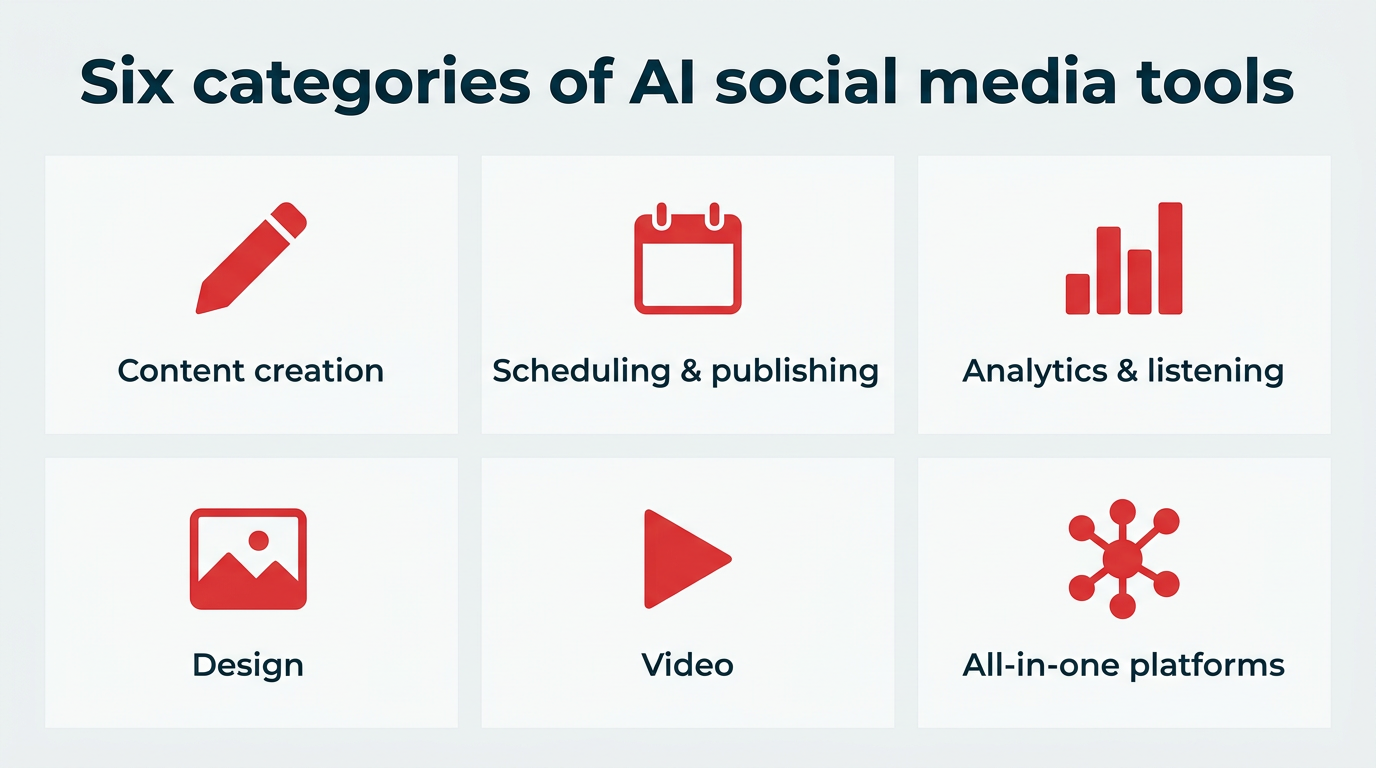
Most fall into one of a few categories:
- Content creation: Generating captions, post ideas, scripts, and long-form copy.
- Scheduling and publishing: Recommending post timing, adapting copy per channel, and queuing content.
- Analytics and listening: Tracking performance, analyzing sentiment, and surfacing trends.
- Design: Creating and editing images, graphics, and product photos.
- Video: Turning text or long-form footage into short-form clips.
- All-in-one platforms: Combining several of the above into a single workflow.
And with teams stretched across multiple platforms, these tools aren’t just nice to have. They’re how marketers save time and actually scale.
AI tools take a lot of manual work out of social media, so teams can spend more time on strategy and creativity. With Gartner finding AI automation set to double by 2028, that matters most when output expectations grow faster than headcount. Here’s how they help:
- Automate repetitive tasks: AI can handle things like rewrites, captions, and repurposing, so you’re not stuck doing the same tasks over and over. That frees up hours each week for planning and community work.
- Brainstorm content ideas: When you’re under pressure to come up with new ideas, it’s easy to hit a wall. AI can suggest prompts, angles, and formats based on emerging social trends so you’re not starting from scratch.
- Support content creation: From captions and hashtags to video subtitles and image generation, AI helps you turn one idea into multiple pieces of content. One webinar can become a clip, a carousel, and a week of posts.
- Analyze social performance: AI can process large amounts of data in minutes, helping you take a more data-driven approach to understanding performance and refining your content strategy.
- Protect brand voice consistency: Tools that learn your style guide and past content keep messaging consistent as more people contribute, which becomes critical once approvals and compliance reviews enter the picture.
Choosing the right AI tool for social media management starts with identifying your biggest bottleneck, then matching it to a tool built for that job. Work through these six questions before you commit to a plan:
- What’s your primary use case? Writing, designing, scheduling, or measuring. Buying an all-in-one platform when your only real gap is video editing wastes budget.
- Do you need AI-first or AI-assisted? If AI is central to how you work, a platform built around it will serve you better than one with features added later.
- Does it support your platforms? Check that every network you publish on is supported natively, not through a workaround.
- Can it learn your brand voice? Look for tools that accept style guides, tone settings, or past content as training inputs.
- What governance and compliance controls exist? Strong compliance controls (approval workflows, permissions, and audit trails) matter as soon as more than two people touch publishing. In regulated industries, these are requirements, not extras.
- Does it integrate with your existing stack? A tool that connects to your CRM, DAM, or analytics setup saves far more time than one that creates another silo.
In short, pick the tool that removes your biggest constraint, then confirm it fits your platforms, voice, and governed workflows.
What’s the difference between AI-first tools and schedulers with AI features?
An AI-first tool is built with artificial intelligence as its foundation, so intelligence runs through every workflow. A scheduler with AI features is a legacy product that added AI capabilities on top of existing architecture, usually as a standalone button or panel.
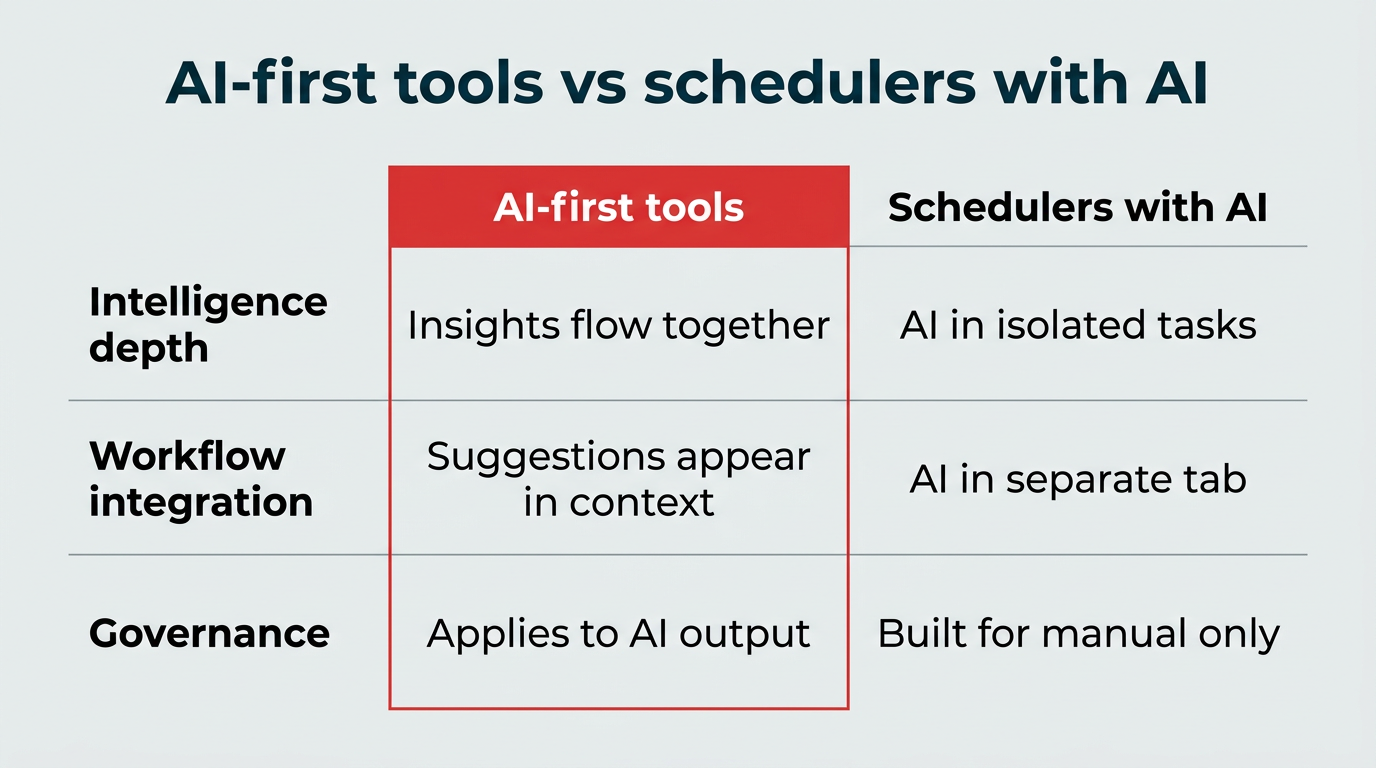
The difference shows up in how the tool behaves day to day:
| Dimension | AI-first tools | Schedulers with AI features |
|---|---|---|
| Intelligence depth | Insights from listening, analytics, and content flow into each other | AI limited to isolated tasks like caption drafting |
| Workflow integration | Suggestions appear in context, where the work happens | AI sits in a separate tab or add-on |
| Governance | Approvals, permissions, and audit trails apply to AI output | Governance often built for manual publishing only |
Neither approach is wrong, but if you plan to lean on AI heavily, an AI-first platform will scale with you better than a bolt-on.
Here’s a quick look at the best AI tools for social media and what they do best.
| Tool | Best for | Key AI capabilities | Free plan? | Pricing |
|---|---|---|---|---|
| Hootsuite Social OS | All-in-one social media management | AI content generation, listening and insights, best time to publish, analytics | Free trial | From $99/user/month |
| ChatGPT | Content creation | Idea generation, drafting, repurposing, image generation | Yes | Paid plans available |
| Jasper | Brand-consistent copy | Tone guardrails, specialized AI agents | No | From $59/month |
| Copy.ai | Social copy at scale | Workflow automation, multi-variant copy | Yes | Paid plans available |
| Buffer | Simple scheduling | AI assistant for per-channel post tailoring | Yes | Paid plans available |
| FeedHive | Content recycling | Conditional posting, performance prediction | No | Paid plans available |
| Brand24 | Listening and sentiment | Mention tracking, AI sentiment analysis | Free trial | Paid plans available |
| Canva | Design and editing | Text-to-image, background removal, magic edits | Yes | From $18/month |
| Magic Studio | Product photography | Background generation, object removal | Yes | Paid plans available |
| Stockimg.ai | Custom stock visuals | Text-to-image across multiple styles | Yes | From $19/month |
| Invideo | Text-to-video | Script-to-video, AI voiceover, transitions | Yes | Paid plans available |
| Munch | Video repurposing | Clip detection, AI subtitles | No | Paid plans available |
| Synthesia | AI avatar video | Text-to-video with avatars and multi-language voiceover | Yes | From $29/month |
The best all-in-one AI tool for social media is Hootsuite Social OS. It brings content creation, scheduling, analytics, and listening into a single social operating system rather than a set of disconnected features.
1. Hootsuite Social OS
Hootsuite Social OS is an AI-first platform that combines content creation, scheduling, analytics, and social listening in one place. Its built-in AI helps teams move faster at every stage of the content lifecycle, with governance controls that hold up at enterprise scale.
For example, Hootsuite offers a free caption generator to help marketers create social posts. There’s no need to worry about the tone sounding robotic. You can quickly match your brand voice by picking a style from the drop-down menu.

Hootsuite’s caption generator lets you choose from multiple tone options to match your brand voice.
Inside the platform, AI writing tools help save time and prevent writer’s block. You can generate captions, suggest post ideas, repurpose top-performing content, and create posts from links or keywords.
The best part is that the ideas are endless. You can continue to generate caption after caption until you’re satisfied with the tone.

OwlyWriter generates unlimited caption variations so you can find the perfect fit for your content.
Looking to streamline social listening? Lumen is the integrated insights and listening app inside Hootsuite Social OS, giving teams real-time insights from conversations across the web and social.
Teams can monitor conversations, analyze sentiment, and better understand their target audience as it happens, then feed what they learn straight back into their listening and publishing workflow.

Lumen tracks brand mentions and sentiment in real time across social platforms and the web.
Need help with hashtags? Hootsuite includes hashtag suggestions to help you identify relevant tags to expand reach and improve discoverability across different platforms.
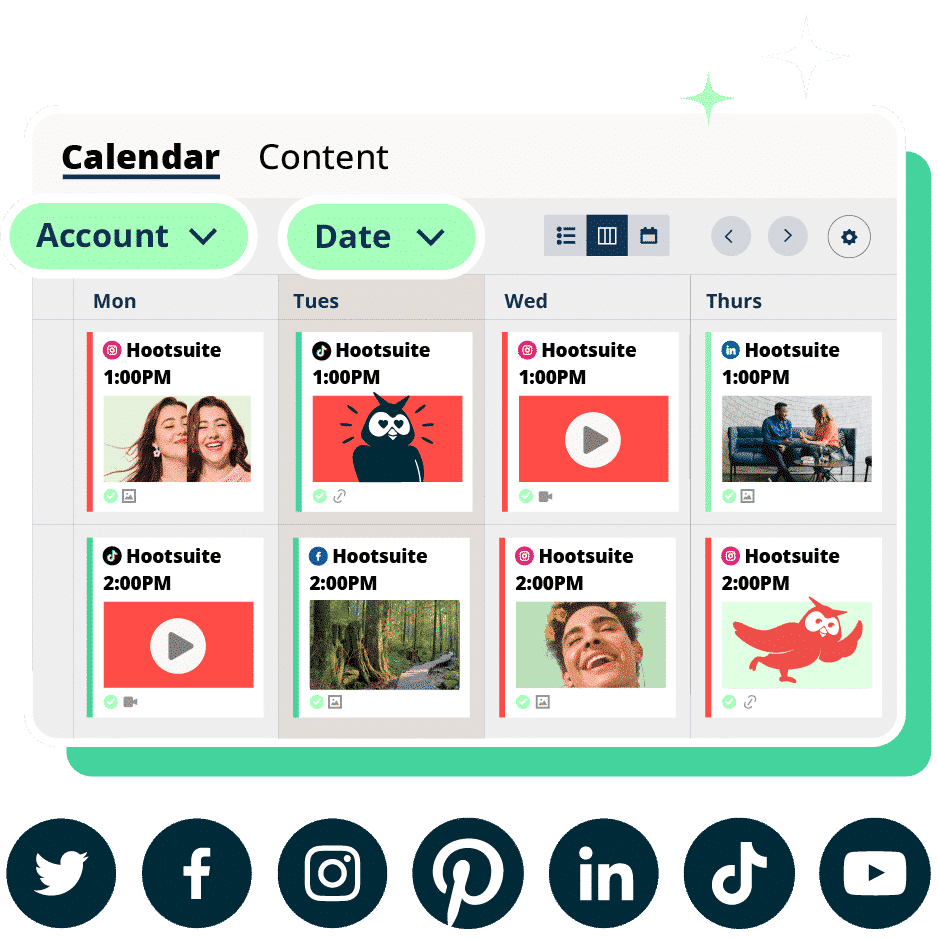
On top of that, its Best Time to Publish feature analyzes your audience behavior to recommend optimal posting times. It even suggests different posting windows based on your goals, whether you’re aiming to increase engagement, build awareness, extend reach, or drive traffic.
Best Time to Publish recommends posting schedules tailored to your specific goals and audience behavior.
Overall, Hootsuite brings planning, creation, publishing, and optimization into a single workflow, making it easier for teams to manage social media at scale.
Price: Hootsuite offers a free 30-day trial. After that, the Standard plan is $99/user/month, Advanced is $249/user/month, and Enterprise is custom priced.
Who it’s for: Teams and enterprises managing multiple accounts.
What are the best AI tools for content creation?
The best AI tools for content creation are ChatGPT, Jasper, and Copy.ai. These tools help marketers generate captions, brainstorm ideas, and repurpose content with ease.
Let’s take a closer look at each content creation tool.
2. ChatGPT
ChatGPT is an AI writing assistant that helps marketers create both short- and long-form social media content.
It’s widely used for brainstorming ideas, drafting content, and repurposing existing material into new formats. Whether you’re building out an entire content calendar or need a quick first draft, ChatGPT can help you move with speed. You can also build custom GPTs trained on your style guide so outputs land closer to your brand voice, and generate images directly for social posts.
That said, it comes with a few limitations. For example, getting the right tone often takes very specific instructions, and its unedited outputs feel obviously AI-generated.

Source: ChatGPT
For best results, treat ChatGPT as a starting point. Mold the output to match your brand voice, and fact-check key details, since it pulls information directly from the internet.
For all you content creators, check out our full list of AI content creation tools that social media managers and creators love, plus our roundup of copywriting AI tools.
Price: Free basic plan, with paid tiers for faster image creation, expanded memory, and access to advanced reasoning models.
Who it’s for: Content creators and marketing teams.
3. Jasper
Jasper is an AI copywriting tool built for teams looking to scale their content engine without losing their brand voice in the process.
Its standout feature is built-in tone guardrails. You can train Jasper on existing content and style rules so every output stays consistent, even as volume ramps up across contributors.
It also comes with a library of 100+ specialized AI agents, each designed to handle a different task in the content pipeline. For example, the landing page agent can create on-brand, conversion-ready landing pages, while the content translator agent adapts messaging for different languages.

Source: Jasper
Jasper is especially useful for turning one idea into a full campaign. You can generate social media posts, repurpose long-form content into captions or scripts, and turn scattered ideas into a clear content plan.
Price: Plans start at $59 per month billed annually, or $69 per month billed monthly.
Who it’s for: Copywriters and marketing teams.
4. Copy.ai
Copy.ai is an AI copywriting and workflow tool built for producing marketing copy at volume. For social teams, that means generating multiple caption variations from a single brief and testing which angle performs best.
Where it stands out is workflow automation. You can chain steps together, so a single input like a product page or webinar transcript produces a batch of channel-ready posts without starting over each time.

Copy.ai automates multi-step workflows to turn one brief into multiple finished posts.
It’s a practical fit for teams that need consistent output across many campaigns rather than one polished post at a time.
Price: Free plan available, with paid plans for larger teams and workflow automation.
Who it’s for: Copywriters and marketing teams producing high volumes of social copy.
The best AI tools for social media scheduling and publishing are Hootsuite Social OS, Buffer, and FeedHive. Beyond queuing posts, each uses AI to decide what goes out, when, and in what format for each channel.
5. Buffer
Buffer is a scheduling tool known for its simplicity, with an AI assistant that helps adapt a single post for different channels.
You can draft once, then use the assistant to rewrite for tone and length per network, repurpose an existing post into a new format, or generate follow-up ideas based on what already performed well.
It’s a straightforward option if your main need is publishing rather than deep analytics or listening.
Price: Free plan available, with paid plans for additional channels and users.
Who it’s for: Solo marketers and small teams focused on scheduling.
6. FeedHive
FeedHive is a scheduling platform built around content recycling and conditional posting, which makes it useful for teams with a library of evergreen content.
You can set up recycling rules so strong posts automatically return to the queue, and use conditional logic to trigger follow-ups, like adding a comment with a link once a post passes an engagement threshold.
Its AI also predicts how a post is likely to perform before you publish, which helps prioritize what’s worth a slot in the calendar.
Price: Paid plans, with tiers based on number of channels and posts.
Who it’s for: Creators and lean teams building an evergreen content engine.
The best AI tools for social media analytics and listening are Hootsuite Social OS, through its Lumen app, and Brand24. Both use AI to track mentions, read sentiment, and surface trends without manual monitoring.
7. Brand24
Brand24 is a social listening tool that tracks brand mentions across social, news, blogs, and forums, then applies AI sentiment analysis to show how people are talking about you.
It flags spikes in mention volume, which is useful for catching a developing issue early or spotting a piece of content taking off. You can also track competitors and category keywords to benchmark share of voice.
For teams that need listening without an enterprise platform, it’s a reasonable entry point, though reporting depth is more limited than a full social operating system.
Price: Free trial available, with paid plans based on keyword and mention volume.
Who it’s for: Small and mid-sized teams starting with social listening.
What are the best AI tools for image editing and design?
The best AI tools for image editing and design are Canva, Magic Studio, and Stockimg.ai. These tools help marketers create, edit, and generate high-quality visuals for social media.
Let’s take a closer look at the best tools for image editing and design:
8. Canva
Canva is a user-friendly design platform that helps marketers create scroll-stopping visuals for social media.
If you’re already using Canva in your workflow, its AI features make it even more powerful. You can generate images by describing what you want, choosing a visual style (think: watercolor or film), and then dropping the results directly into your design.

Source: Canva
Image generation limits vary by plan, with higher monthly allowances on paid tiers.
Price: Free, paid plans start at $18 per month.
Who it’s for: Content creators, small marketing teams, or solo social media marketers who need to generate a lot of graphics.
9. Magic Studio
Magic Studio is an AI tool that creates product photos with professional-looking backgrounds in a few different themes.
You can also remove unwanted objects from your images, which is useful for editing photos taken out in the real world.
On top of that, Magic Studio can generate images from text prompts and create profile photos, giving teams more flexibility in how they produce visual content.
Magic Studio is a strong option for brands and creators who want to improve the quality of their visuals without complex editing tools.

Source: Magic Studio
Price: Free with limitations. Paid plans available.
Who it’s for: Influencers, content creators, and e-commerce brands.
10. Stockimg.ai
Stockimg.ai is an AI image generation tool that helps marketers create custom visuals from simple text prompts.
Instead of scrolling endlessly through stock photo libraries, you can use this tool to generate images on demand in a variety of styles, including stock photos, illustrations, wallpapers, posters, logos, art, and more. This makes it easy to find visuals that match your content.

Source: Stockimg.ai
Price: Free, with paid plans starting at $19 per month.
Who it’s for: Content creators, designers, and marketers.
What are the best AI tools for video?
The best AI tools for video are Invideo, Munch, and Synthesia. These tools help teams turn ideas, scripts, or long-form content into engaging videos for social.
Let’s take a closer look at our top picks:
11. Invideo
Invideo is an AI text-to-video generator that produces professional content based on prompts.
Want to turn your scripts into videos at the click of a button? Then Invideo is for you.
Simply type in your video idea, and Invideo will generate a video with stock footage, voiceover, background music, and transitions, everything you need for a publish-ready video for TikTok, YouTube, or Instagram Reels.
Invideo has tons of video templates to get the creative ball rolling. You can create YouTube video intros and outros, videos for advertising on Facebook or Instagram with ad templates, and more.
Pro tip 💡: Use a long-form AI writing tool to generate a script, then feed that script to Invideo.

Source: Invideo
Invideo transforms text prompts into complete videos with footage, voiceover, and music in minutes.
Price: Free, with paid plans available.
Who it’s for: Marketers, content creators, and podcasters in need of video.
12. Munch
Munch is an AI video repurposing platform that takes the most engaging parts of your long-form videos and turns them into short clips that are ready to share on social media.

Source: Munch
“This tool is fantastic for repurposing long-form videos into bite-sized content, each focusing on a specific talking point,” says Bianca Garcia, Social Media Specialist at Leadhub.
“It also generates AI subtitles, which has been a game-changer for improving video accessibility and engagement,” Garcia adds.
Price: Paid plans available.
Who it’s for: Social media marketing teams who want to ramp up their short-form video strategy.
13. Synthesia
Synthesia is an AI video tool that turns text into polished videos using AI avatars and voiceovers, with no cameras, studios, or production team required.
It comes with customizable templates and branding options, so you can create explainer videos, promos, and social content that look professionally made.
It also supports multiple languages, meaning you can scale video content for a global audience without extra effort.
Source: Synthesia
Synthesia creates professional-looking videos with AI avatars and multi-language voiceovers from simple text scripts.
Price: Free with paid plans starting at $29 per month, or $18 per month billed annually.
Who it’s for: Content creators, marketers, educators.
If you’re not ready to commit to a paid plan, free AI tools for social media are a low-risk way to test whether AI actually helps your workflow. Here are five worth trying.
1. Caption generator
Stuck staring at a blank caption box? This free AI caption generator has you covered.
Create platform-specific captions for Instagram, LinkedIn, Facebook, or X (Twitter) in seconds. Just choose your tone, add a quick prompt, include any keywords, and let the tool take it from there.
2. Hashtag generator
Researching the best hashtags for every post is time-consuming. Let Hootsuite’s free AI hashtag generator do the work for you.
Automate the process by using the hashtag generator to come up with the right hashtags for every channel, whether you’re posting on Instagram, TikTok, YouTube, or LinkedIn.
3. YouTube video description generator
You’ve done the heavy lifting of creating a video for YouTube, and now you need a video description. That’s where our free YouTube video description generator comes in.
Descriptions aren’t just filler. They help viewers understand your content, drive traffic with links, and improve discoverability with the right keywords. The video description generator can be used for everything from Shorts to day-in-the-life vlogs.
4. Social media SEO tool
Social media platforms are becoming search engines, which makes social SEO more important than ever.
This free AI social media SEO tool from Hootsuite helps you write captions that actually rank. Just choose your platform, tone, and target keywords, and it generates a search-optimized caption in seconds.
5. Sentiment analysis tool
Social listening is a pillar of any social strategy, and AI social listening tools can help with that, too.
Hootsuite’s free sentiment analysis tool can tell you within seconds how people feel about your brand. It can also help you understand the general feelings and attitudes toward competitor brands, trends, or specific creators and influencers.
Getting the most out of AI social media tools comes down to how you set them up and where you point them. Here are five tips, most of them straight from working social media managers.
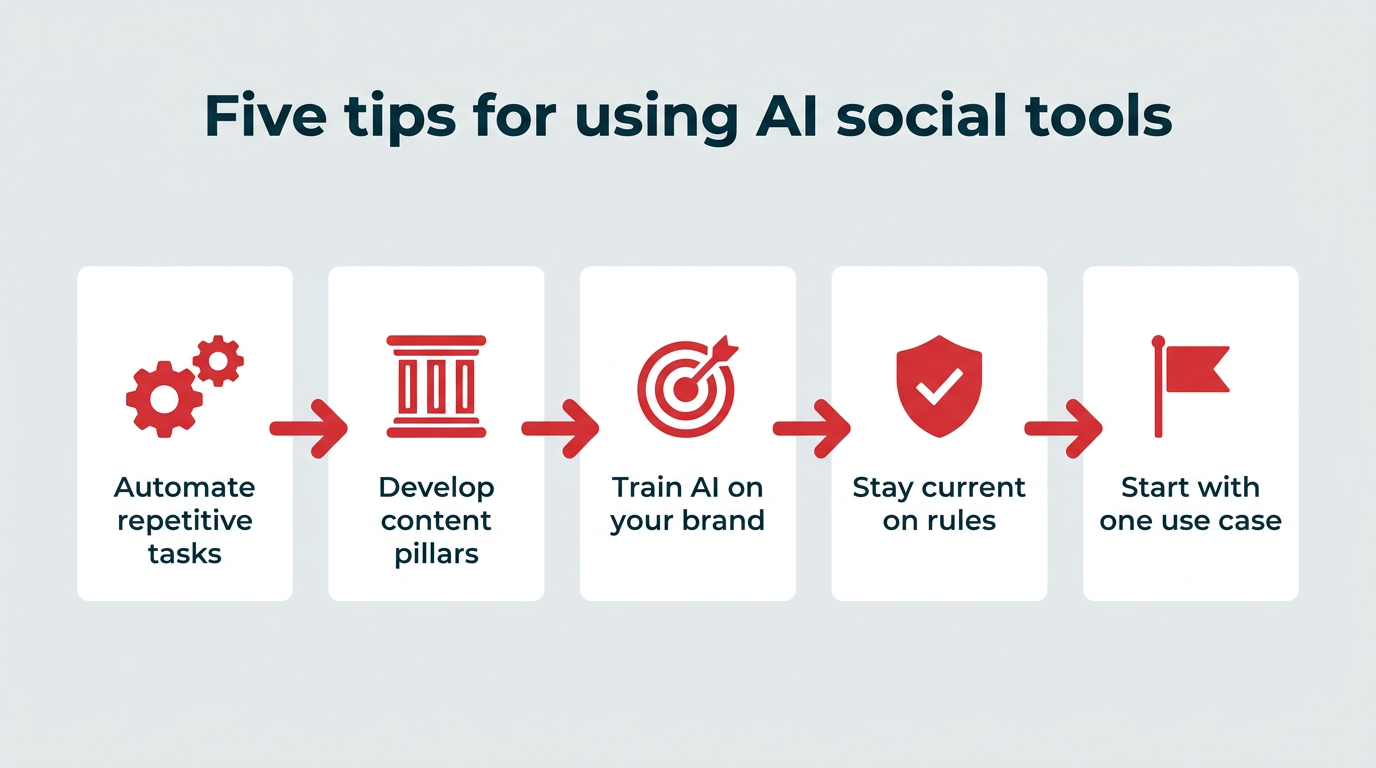
1. Automate repetitive tasks
AI tools can take a huge chunk of manual work off your plate.
For Shanté Gorman, Founder and CEO of Sugarpunch Marketing, AI tools like Butter help her automate tasks like recording and transcribing client calls.
“We interview them on a call and then extract content that we can turn into short-form videos, carousel graphics, and text posts,” says Gorman. “This saves us at least 10 hours of time per client.”
2. Develop content pillars
AI tools can help you create content pillars by reviewing your existing content and surfacing common themes.
For example, you might use AI to review past blog posts and group them into core categories, like educational content, product updates, or customer stories.
Cristy Stewart-Harfmann, a Content Creator and Professor of Digital Marketing at Florida Atlantic University, recommends saving effective prompts to make this process more repeatable.
“Once you find prompts that work well, save them for future use,” says Stewart-Harfmann. “This can streamline your process and ensure consistency in content generation.”
3. Train your AI tool on your brand
One of the trickiest parts of AI-powered content creation is getting it to sound, well, human.
The best way to improve its output, according to Bianca Garcia, Social Media Specialist at Leadhub, is pretty simple: “Take the time to ‘train’ your AI tool.”
To do this right, Garcia recommends:
- Providing company style guides to inform it about brand specifics
- Sharing website content for accurate service descriptions
- Defining preferred format for different types of posts
- Giving it blog content or links for accurate promotion posts
4. Stay current on platform rules
Artificial intelligence is powerful, but it comes with strings attached. The rules for using AI are still evolving. Forrester notes that AI missteps will demand a pragmatic reset in 2026, and it’s on every marketer to stay compliant.
“I always stress to be cautious of what you plan to use from AI because there’s a gray area,” says Megan Celestini, Social Media Specialist and Founder at Queen Bee Social.
“As social media professionals, it’s our job to eliminate the risk to the companies we work for and represent. If AI-generated content is not disclosed on certain social media channels, you could be violating the Terms of Service, and your posts can be taken down.”
If you plan to use AI for social content, Celestini recommends familiarizing yourself with each platform’s terms and conditions. YouTube, for example, asks you to disclose when you’re uploading altered or synthetic content so it can label the video accordingly.
5. Start with one use case before scaling
Adopting five AI tools at once usually creates more work than it removes. Pick the single task eating the most time, whether that’s caption writing, clipping video, or reporting, and solve it first.
Measure the result over a few weeks. If the tool is saving real hours or improving performance, expand to the next bottleneck. If it isn’t, you’ve only lost one trial instead of five.
What are the best AI tools for social media management and marketing?
The best AI tools for social media management and marketing combine content creation, scheduling, analytics, and listening in one place. Hootsuite Social OS brings AI into the entire workflow, from generating captions and suggested hashtags to real-time listening through its Lumen app and identifying the best times to post.
How do AI tools improve social media content creation and scheduling?
AI tools improve social media content creation and scheduling by removing a lot of the manual work. They can generate captions, suggest hashtags, repurpose existing content, and even turn scripts or blog posts into videos. On the scheduling side, AI can recommend the best times to post based on audience behavior, so content goes out when it’s most likely to perform.
What AI tools do enterprise teams use for analytics and optimization?
Enterprise teams use AI-powered platforms like Hootsuite Social OS that combine analytics, reporting, and listening through Lumen. This lets teams track performance across platforms, analyze sentiment, and identify trends at scale, with permissions, approvals, and audit trails to keep publishing compliant.
How can businesses use AI tools to scale social media strategy?
Businesses can use AI tools to scale social media strategy by automating repetitive tasks and speeding up content production. For example, AI can generate captions, repurpose long-form content into multiple posts, and assist with video editing or design. This allows teams to increase output without adding headcount.
What features should brands look for in AI social media tools?
Brands should look for AI social media tools that combine content creation, smart scheduling, analytics, and listening in one place. The best platforms also include collaboration, approval workflows, and permission controls, so teams stay organized, compliant, and able to make data-driven decisions at scale.
Which AI tool is best for social media?
The best AI tool for social media depends on your primary use case, but Hootsuite Social OS is the strongest all-in-one option because it connects content creation, scheduling, analytics, and listening in a single governed workflow. If your need is narrower, a specialist tool like Canva for design or Munch for video repurposing may be a better fit.
Is there an AI that can run my social media?
There is no AI that can fully run your social media without oversight, but platforms like Hootsuite Social OS can handle much of the day-to-day workflow, from generating captions and scheduling posts to analyzing performance and surfacing real-time insights. Human judgment is still required for strategy, brand voice, and anything that carries legal or compliance risk.
What are the most popular AI tools for social media in 2026?
The most popular AI tools for social media in 2026 include Hootsuite Social OS, ChatGPT, Canva, Jasper, and Invideo. Each serves a different part of the workflow, from all-in-one management to copywriting, design, and video creation.
What is the difference between an AI-first tool and a scheduler with AI features?
The difference between an AI-first tool and a scheduler with AI features is architecture. An AI-first tool is built with artificial intelligence as its foundation, so intelligence runs through every workflow, while a scheduler with AI features is a legacy product that added AI capabilities on top of its existing setup, usually as an isolated function.
Are free AI social media tools worth using?
Free AI social media tools are worth using as a starting point, especially for teams testing specific use cases like caption generation, hashtag research, or sentiment analysis before committing to a paid platform. Their limits usually show up around volume, collaboration, and reporting, which is when a paid plan starts to make sense.
Save time managing your social media marketing strategy with Hootsuite. Publish and schedule posts, find relevant conversions, measure results, and more â all from one dashboard. Try it free today.