The Power of Surround Sound in Gaming
For many gamers, the visual fidelity of a modern console is only half the experience. The other half is audio, and specifically, the ability to hear sounds coming from all directions. Microsoft’s Xbox consoles are fully capable of supporting surround sound, allowing players to enjoy immersive 5.1 or even 7.1 audio configurations for their favorite titles. Upgrading your setup to utilize these capabilities is a straightforward process that can significantly enhance the depth and realism of your gaming sessions.
Understanding 5.1 and 7.1 Audio
Before diving into the setup, it is helpful to understand what these numbers represent. In a 5.1 system, the “5” refers to five full-range speakers: front left, front right, center, rear left, and rear right. The “.1” refers to a single subwoofer, which handles low-frequency effects such as explosions and deep bass lines. A 7.1 system adds two additional side speakers, providing even more directional precision. This configuration allows for a more enveloping soundstage, making it easier to pinpoint the location of in-game events, such as footsteps or gunfire, which can be a tactical advantage in competitive titles.
Hardware Requirements
To achieve true surround sound, you need the appropriate hardware. While the Xbox console itself outputs the necessary audio signals, it does not include the speakers or the processing unit required to drive them. You will need a dedicated 5.1 or 7.1 speaker system. These systems typically come with a receiver or amplifier that processes the audio signal and distributes it to the individual speakers.
Alternatively, many modern soundbars offer virtual or simulated surround sound. While these can provide a significant upgrade over standard stereo speakers, they do not offer the same level of directional accuracy as a dedicated multi-speaker setup. For the most immersive experience, a physical 5.1 or 7.1 system is recommended.
Connecting Your System
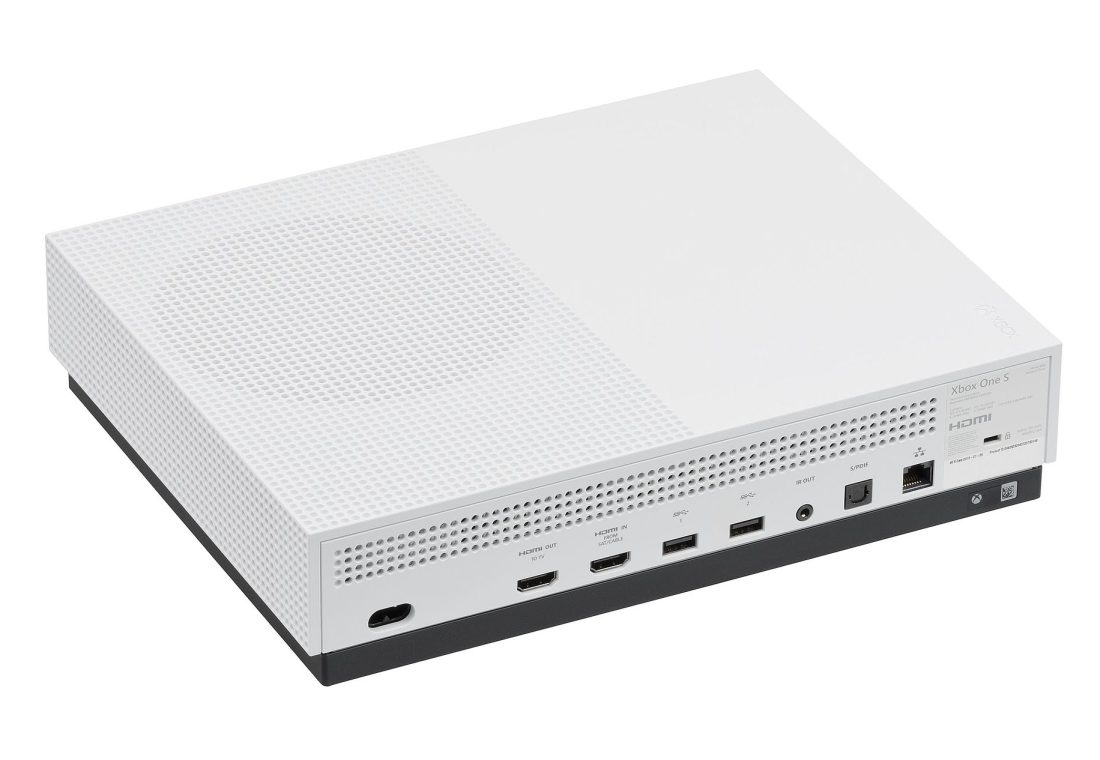
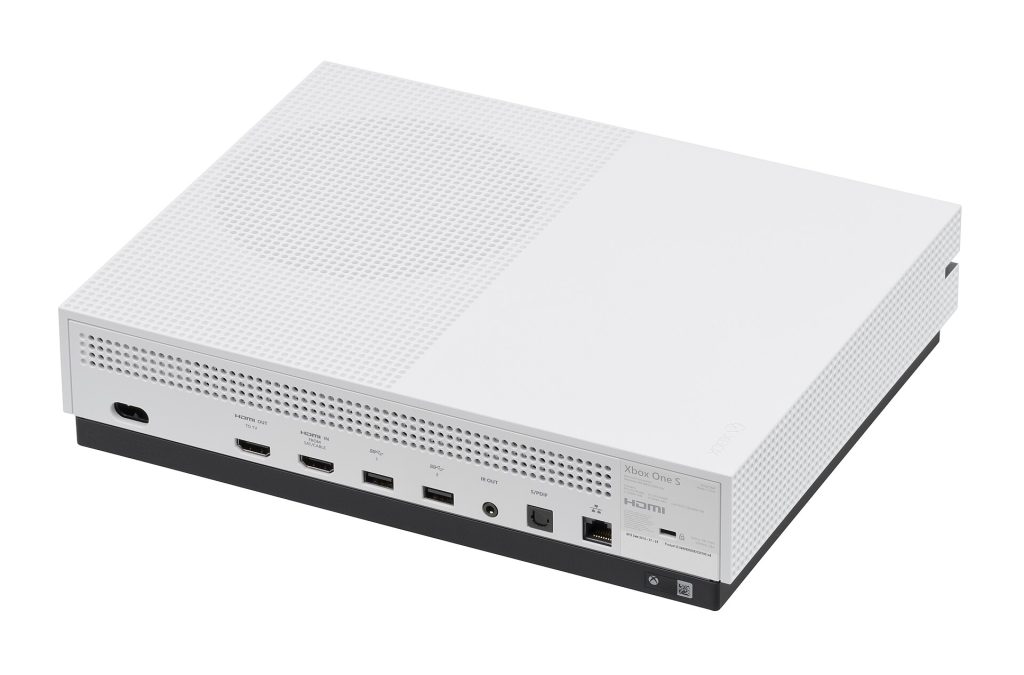
Connecting a surround sound system to an Xbox is a simple process that involves a few key steps. The most common method is using an HDMI connection. Most modern Xbox consoles feature an HDMI output port that can transmit both video and audio signals. You will need an HDMI cable to connect the console to your receiver or soundbar.
Here is a general overview of the connection process:
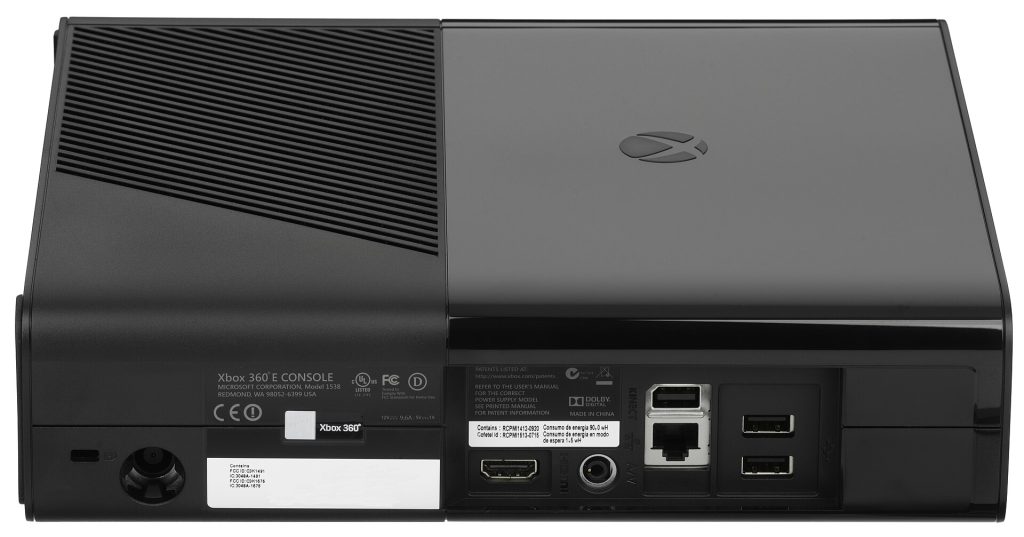
- Identify the HDMI Output: Locate the HDMI output port on the back of your Xbox console.
- Connect the Receiver: Use an HDMI cable to connect the Xbox to the HDMI input on your audio receiver or soundbar.
- Connect to Display: Connect another HDMI cable from the receiver’s HDMI output to your TV or monitor.
- Power On: Ensure all devices are powered on and set to the correct input source.
Some older systems or specific setups may require an optical audio connection. If your receiver does not have an HDMI input, or if you are using an older console, you may need to use an optical cable. This method transmits only audio, so you will still need to connect the video directly from the Xbox to the TV.
Configuring Audio Settings
Once the hardware is connected, you need to configure the Xbox to output the correct audio format. By default, the console may be set to stereo, which will not utilize your surround sound system. To change this, navigate to the settings menu on your Xbox.
- Go to Settings and select General.
- Select Volume & audio output.
- Under Audio output, select Surround 5.1 or Surround 7.1, depending on your system.
It is important to match the setting to your hardware. If you have a 5.1 system, selecting 7.1 may result in some channels being unused or mixed, potentially degrading the audio quality. Conversely, if you have a 7.1 system, selecting 5.1 will limit the audio to five channels.
Optimizing Your Setup
After configuring the settings, you may want to fine-tune the audio for the best experience. Many receivers and soundbars offer built-in calibration tools that can measure the distance and sensitivity of each speaker. This process, often called room calibration, ensures that all speakers are balanced and that the audio is synchronized correctly. This is particularly important in larger rooms where sound waves may take longer to reach the listener from rear speakers compared to front speakers.
Additionally, consider the placement of your speakers. For the best surround sound experience, the front speakers should be placed at ear level, angled slightly toward the listening position. The rear speakers should be placed behind the listener, also at ear level. The center speaker should be placed directly above or below the TV, aligned with the center of the screen. The subwoofer can be placed almost anywhere in the room, as low-frequency sounds are less directional.
Benefits of Surround Sound in Gaming
The benefits of a 5.1 or 7.1 setup extend beyond just immersion. In competitive games, being able to hear the direction of enemy movements can provide a significant tactical advantage. In narrative-driven games, surround sound can enhance the emotional impact of scenes, making the story feel more real and engaging. Whether you are exploring a vast open world or engaging in intense multiplayer combat, surround sound adds a layer of depth that stereo audio simply cannot match.
While the initial investment in a surround sound system may be higher than a standard stereo setup, the improvement in audio quality and immersion is well worth it for dedicated gamers. With the right hardware and configuration, your Xbox can deliver a cinematic audio experience that brings your favorite games to life.