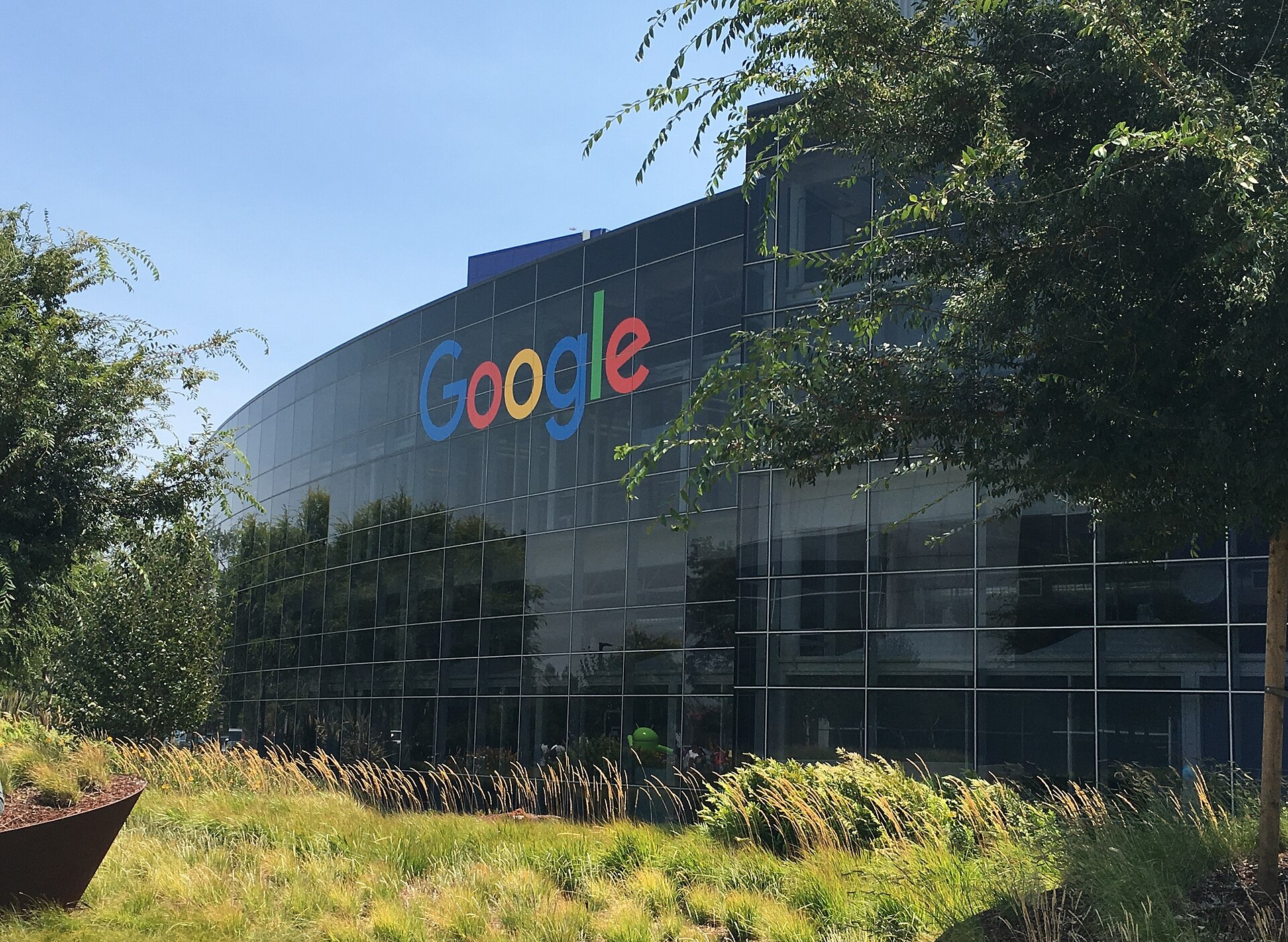


For over a decade, the Android operating system has expanded its footprint across an increasingly diverse array of hardware. From the pocket-sized smartphones that defined the modern mobile era to the large screens of televisions, the wrists of smartwatches, and the dashboards of connected cars, Google’s operating system has become a ubiquitous presence in daily life. However, despite this extensive reach, one major category of personal computing hardware has remained conspicuously absent from the core Android ecosystem: the traditional laptop.
The Gap in the Ecosystem
While Android has successfully colonized nearly every other digital surface, the laptop market has remained largely the domain of Windows and macOS. This gap has been a subject of long-standing speculation and anticipation among tech enthusiasts and industry analysts. The recent emergence of the “Googlebook” concept suggests that Google may finally be addressing this missing link, aiming to deliver a laptop experience that fundamentally rethinks the relationship between the user’s primary mobile device and their main computing platform.
From Fragmentation to Integration
The traditional approach to mobile and desktop computing has often treated these devices as separate entities with distinct operating systems, file systems, and user interfaces. Users frequently find themselves managing two different ecosystems, requiring workarounds for file transfer, app compatibility, and seamless workflow transitions. The proposed Googlebook aims to dismantle these barriers by treating the smartphone not as a separate device, but as an integral component of the laptop itself.
This approach aligns with a broader industry trend toward convergence, where the lines between mobile and desktop computing are blurring. By integrating the phone into the laptop’s architecture, Google could offer a unified experience where apps, data, and notifications flow seamlessly between the two devices. This would effectively turn the laptop into a larger, more powerful version of the phone, rather than a separate computer that merely connects to it.
What the Googlebook Represents
The term “Googlebook” is not an official product name but rather a descriptive label used to categorize this new class of Android-based laptops. The core premise is that these devices will run a version of Android optimized for larger screens and keyboard input, while maintaining deep integration with the user’s Android smartphone. This is distinct from previous attempts to bring Android to laptops, which often resulted in a scaled-up mobile interface that felt awkward on a desktop-sized display.
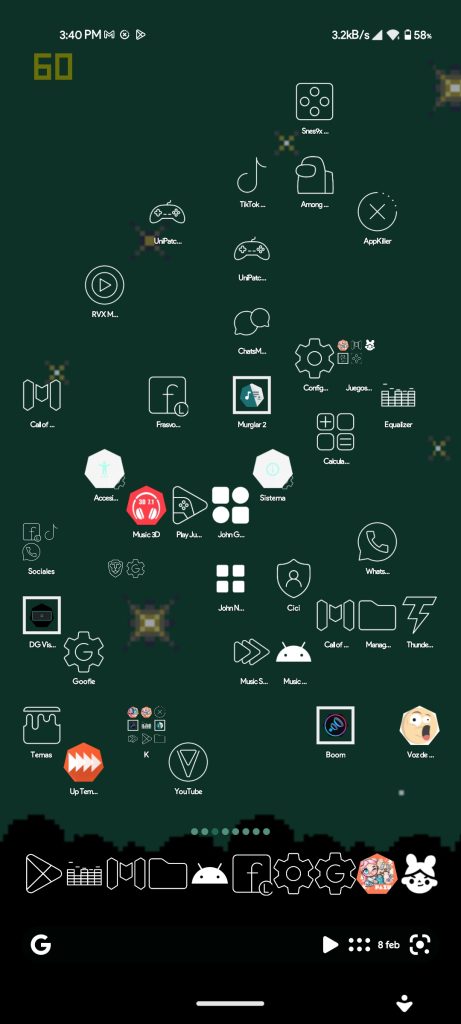
Instead, the Googlebook concept envisions a system where the phone and laptop share a common identity. This could mean that installing an app on the phone automatically makes it available on the laptop, or that a file opened on the phone can be continued on the laptop without interruption. Such integration would require significant changes to the Android operating system, moving beyond its current mobile-centric design to support a more robust, multi-device environment.
Implications for the Market
If Google successfully executes this vision, the impact on the laptop market could be substantial. Currently, the laptop market is dominated by a few major players, with Windows and macOS holding the vast majority of the share. An Android-based laptop that offers a truly seamless experience with the user’s phone could attract a significant number of consumers, particularly those who are already heavily invested in the Android ecosystem.
Furthermore, this move could challenge the existing business models of laptop manufacturers. By providing a unified operating system that spans both mobile and desktop, Google could offer a more cohesive product experience, potentially reducing the need for third-party software and services. This could also open up new opportunities for app developers, who could create applications that work seamlessly across both device types without needing to adapt to different operating systems.
The Path Forward
While the concept of the Googlebook is promising, there are still significant challenges to overcome. The Android operating system has been designed primarily for touchscreens and mobile use cases, and adapting it for a laptop environment will require substantial development effort. Additionally, there are questions about how Google will handle hardware compatibility, as laptops typically require a wider range of peripherals and input devices than smartphones.
Nevertheless, the introduction of the Googlebook represents a significant step forward for Android, addressing a long-standing gap in the ecosystem. By treating the phone as part of the same computer, Google is not just adding a new device category but is redefining the relationship between mobile and desktop computing. If successful, the Googlebook could become the missing piece that completes Android’s journey from a mobile operating system to a comprehensive, cross-device platform.
Conclusion
The Android ecosystem has come a long way since its inception, expanding from smartphones to a wide array of devices. The Googlebook represents the next logical step in this evolution, aiming to bring the same level of integration and convenience to the laptop market. By treating the phone as an integral part of the laptop, Google is poised to offer a truly unified computing experience that could reshape the way users interact with their devices. As the technology develops, it will be interesting to see how the Googlebook addresses the challenges of hardware compatibility and user experience, and whether it can successfully fill the gap that has existed in the Android ecosystem for so long.